





This guide is part of the Google ebook series
1.
How to read a Google ebook in a web browser
2. How to use Google ebooks
3. How to view a free sample of a Google ebook
2. How to use Google ebooks
3. How to view a free sample of a Google ebook
Make: Google
Model / Product: ebook
Version: N/A
Objective / Info: View an ebook free sample in the Chrome browser. Applicable to computers, Android, iPhone, iPad Mobile devices and other ebook readers. Google ebooks can contain a few sample pages or the whole book.
Model / Product: ebook
Version: N/A
Objective / Info: View an ebook free sample in the Chrome browser. Applicable to computers, Android, iPhone, iPad Mobile devices and other ebook readers. Google ebooks can contain a few sample pages or the whole book.
1
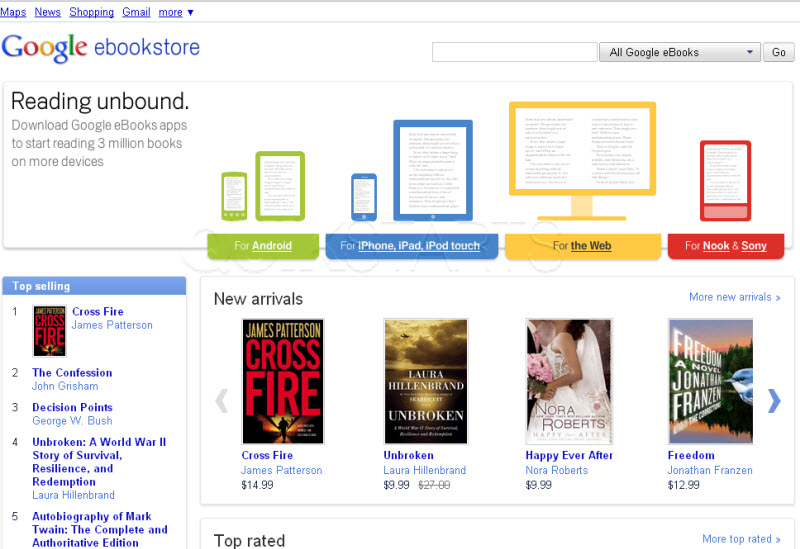
Type http://books.google.com/ebooks into your web browser. Sign into your Google account. If you do not have a Google account you will need to create one.
Note :
Most common web browsers are supported by the Google ebookstore
2
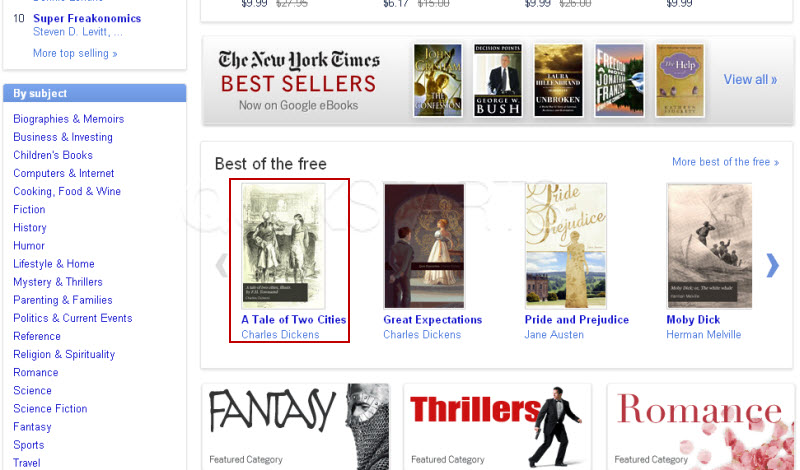
Find a book that you are interested in and want to view a free sample of and roll your mouse over it.
Note :
No need to click on the ebook.
3
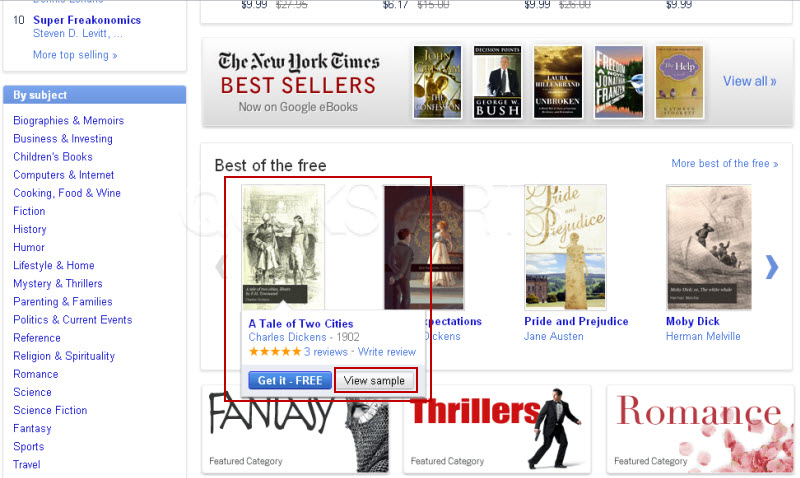
Click the "View Sample" button.
4
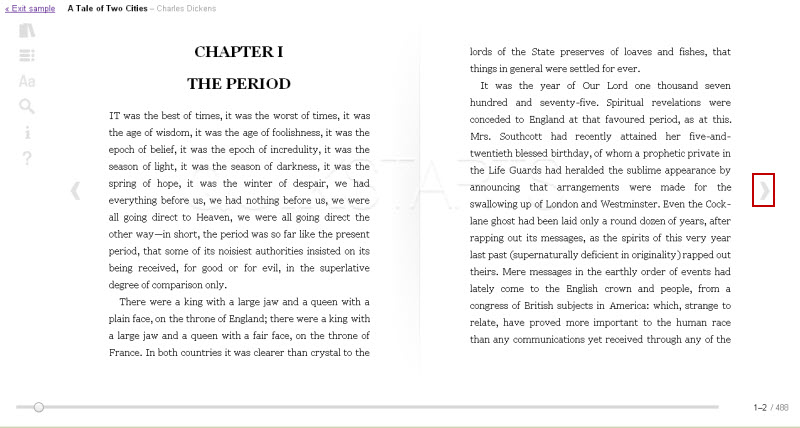
Click the arrow button on the right side middle page to view pages.
5
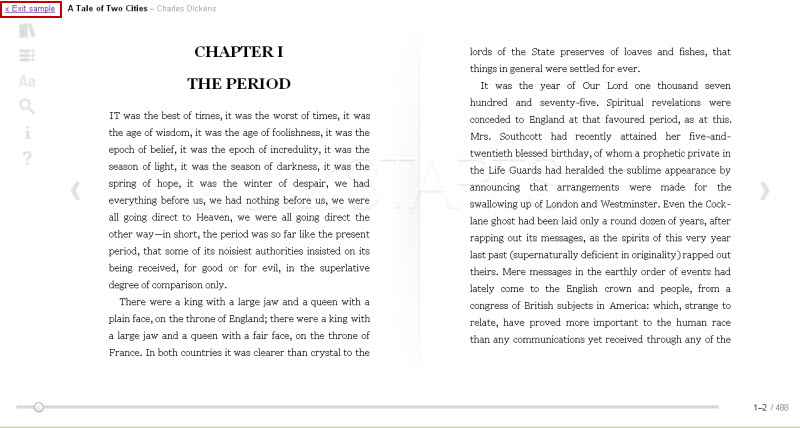
Click the "Exit Sample" to exit the book.
6
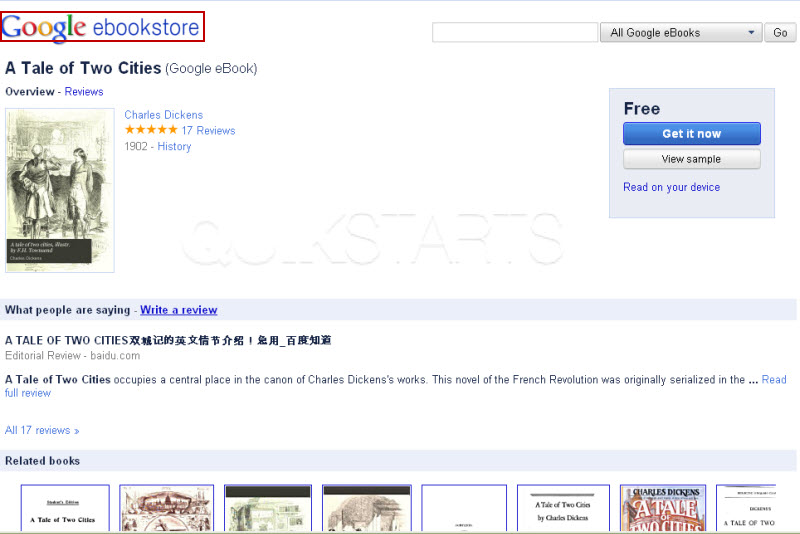
Click the Google ebookstore logo to return to the ebook store.
7
This task should now be complete. If not, review and repeat the steps as needed. Submit any questions using the section at the bottom of this page.
comments powered by Disqus
 Ask a question or provide an answer