





This guide is part of the Google Toolbar series
1.
Add a facebook button to your google toolbar in IE
2. How to clear search history in the Google Toolbar
3. How to use the Google Toolbar
2. How to clear search history in the Google Toolbar
3. How to use the Google Toolbar
Make: clear history
Model / Product: Toolbar
Version: 6.5
Objective / Info: Clear the search history in the Google Toolbar for Internet Explorer. These steps only remove the search history of the toolbar NOT the Internet Explorer history.
Model / Product: Toolbar
Version: 6.5
Objective / Info: Clear the search history in the Google Toolbar for Internet Explorer. These steps only remove the search history of the toolbar NOT the Internet Explorer history.
1
Open Internet Explorer by clicking the shortcut on the desktop.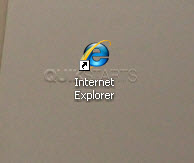
2
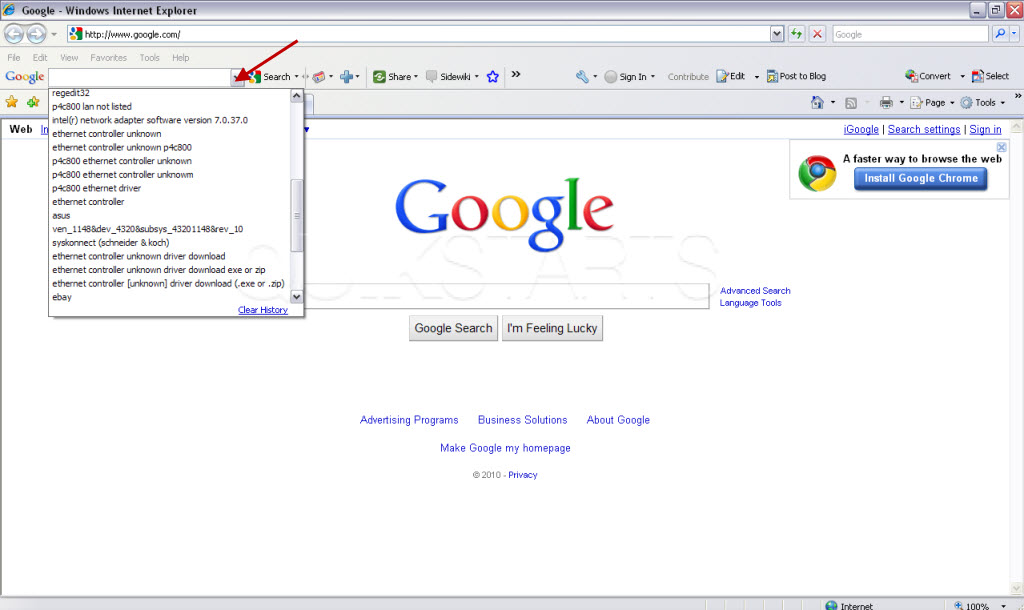
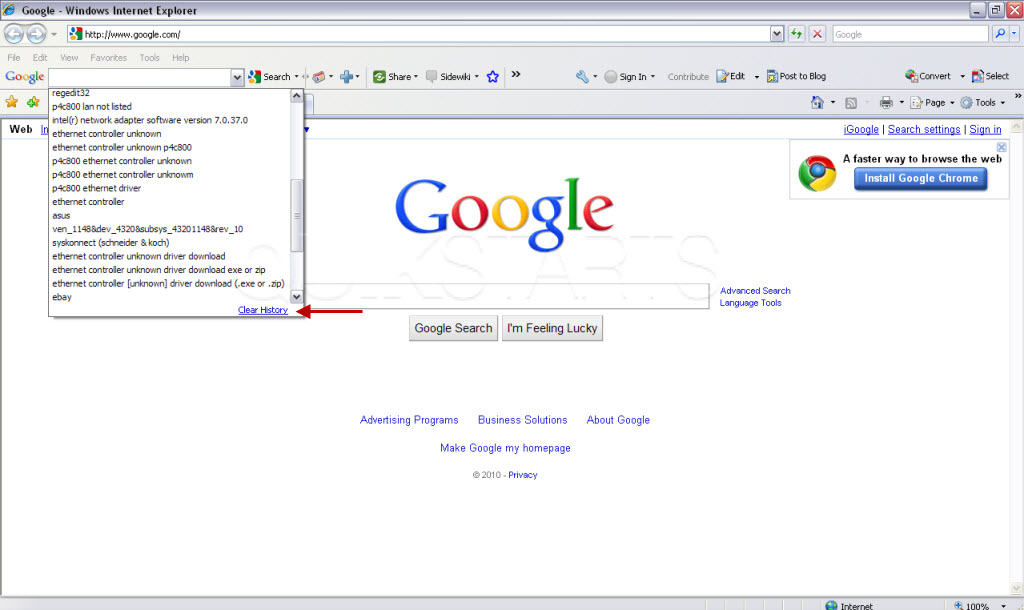
Click the down arrow next to the search box on the Google Toolbar.
3
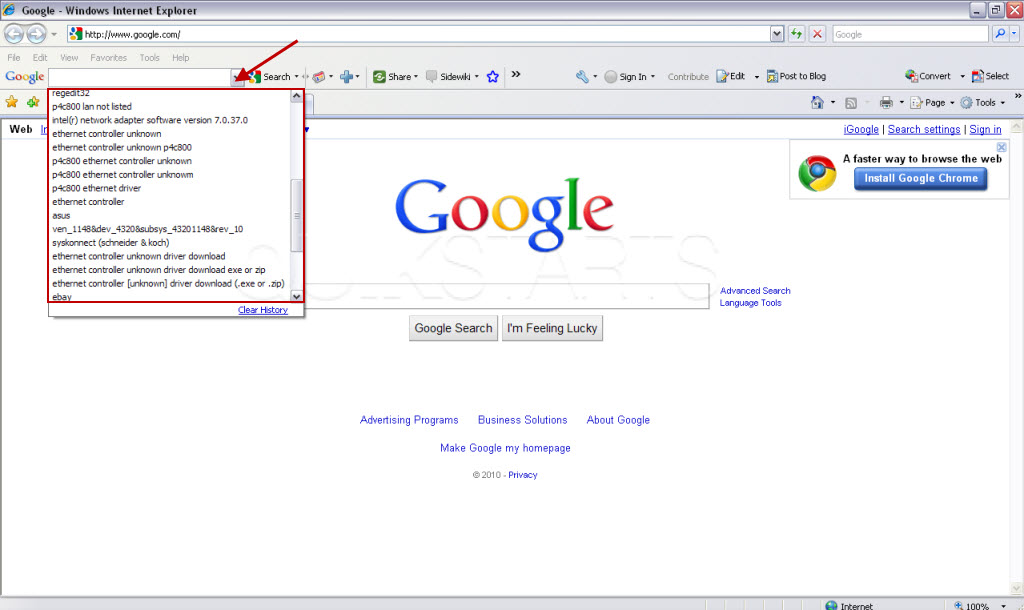
All of your previous search queries should be shown.
4
Press the down arrow again and you should not see anything.5
Click the clear history link to delete the search history from the toolbar.

comments powered by Disqus
 Ask a question or provide an answer