






This guide is part of the Google Translate series
Make: Google
Model / Product: Translate
Version: 852011
Objective / Info: Learn how to hear translated text in Google Translate in clear audio.
Model / Product: Translate
Version: 852011
Objective / Info: Learn how to hear translated text in Google Translate in clear audio.
1
Visit translate.google.com.2
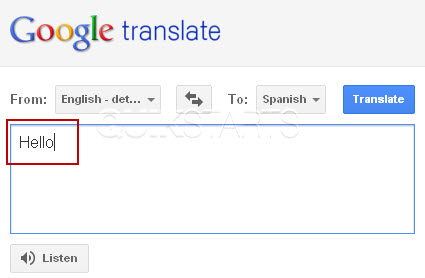
Type the term you would like to translate in the box on the left of the screen.
3
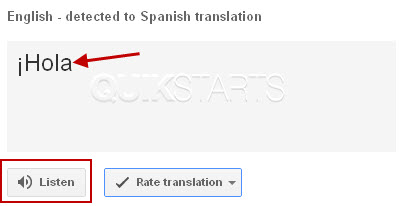
The translated text should appear in the chosen language in the box on the right. Click the "" button.
4
This task should now be complete. If not, review and repeat the steps as needed. Submit any questions using the section at the bottom of this page.
comments powered by Disqus
 Ask a question or provide an answer