





This guide is part of the Internet Explorer 9 series
1.
Add a Facebook button to your toolbar in IE 9
2. Download and install Internet Explorer 9
3. How to clean temporary Internet files in IE 9
4. How to clear search history in Internet Explorer 9
5. How to clear the browser cache in IE 9
6. How to use Internet Explorer 9
7. Increase the text size in Internet Explorer 9
8. Work around for accessing monster.com in IE 9
2. Download and install Internet Explorer 9
3. How to clean temporary Internet files in IE 9
4. How to clear search history in Internet Explorer 9
5. How to clear the browser cache in IE 9
6. How to use Internet Explorer 9
7. Increase the text size in Internet Explorer 9
8. Work around for accessing monster.com in IE 9
Make: Microsoft
Model / Product: Internet Explorer
Version: 9 Beta
Objective / Info: en.wikipedia.org
Model / Product: Internet Explorer
Version: 9 Beta
Objective / Info: en.wikipedia.org
1
This task should now be complete. If not, review and repeat the steps as needed. Submit any questions using the section at the bottom of this page.2
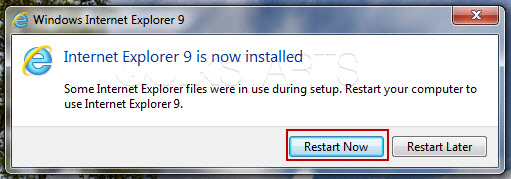
Once the installation is completed, clidk the "Restart" button.
3
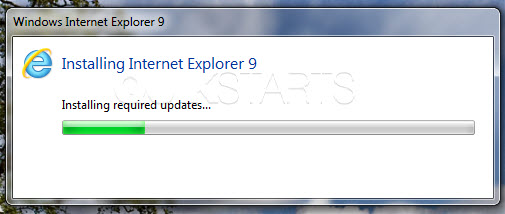
Internet Explorer 9 should start to install.
4
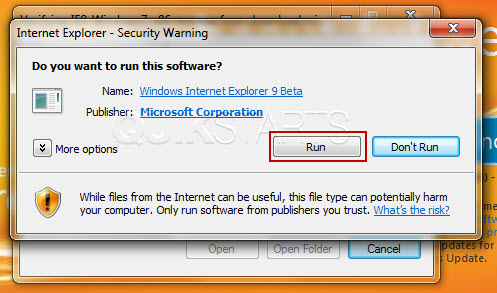
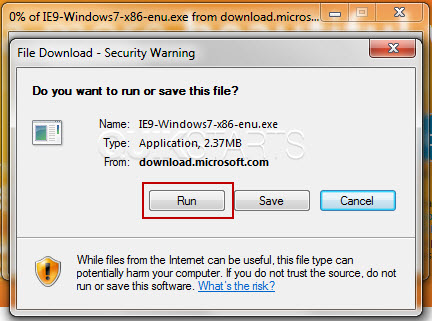
Click the "Run" button.
5
Click the "Run" button.
6
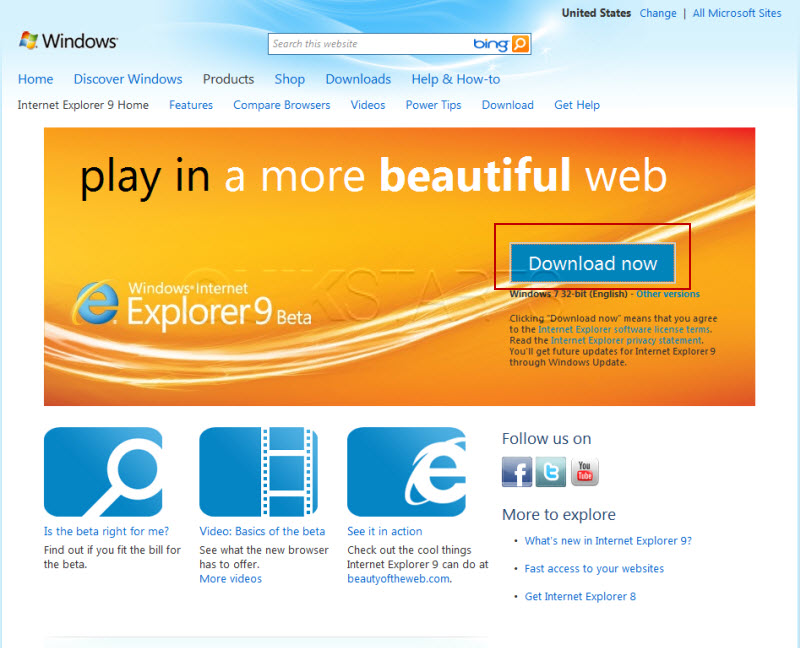
VIsit http://windows.microsoft.com/ie9 and click the "Download" button.

comments powered by Disqus
 Ask a question or provide an answer