





This guide is part of the CamStudio series
1. Download Camstudio screen recording software
2. Enable audio microphone recording in CamStudio
3. How to install CamStudio
4. How to use camStudio
2. Enable audio microphone recording in CamStudio
3. How to install CamStudio
4. How to use camStudio
Make: CamStudio
Model / Product: Cam Studio Streaming Video Software
Version: 2.0
Objective / Info: Learn where and how to download CamStudio free screen recording software.
Model / Product: Cam Studio Streaming Video Software
Version: 2.0
Objective / Info: Learn where and how to download CamStudio free screen recording software.
1
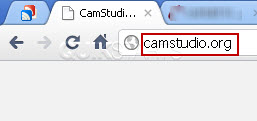
Visit www.camstudio.org with your web browser.
2
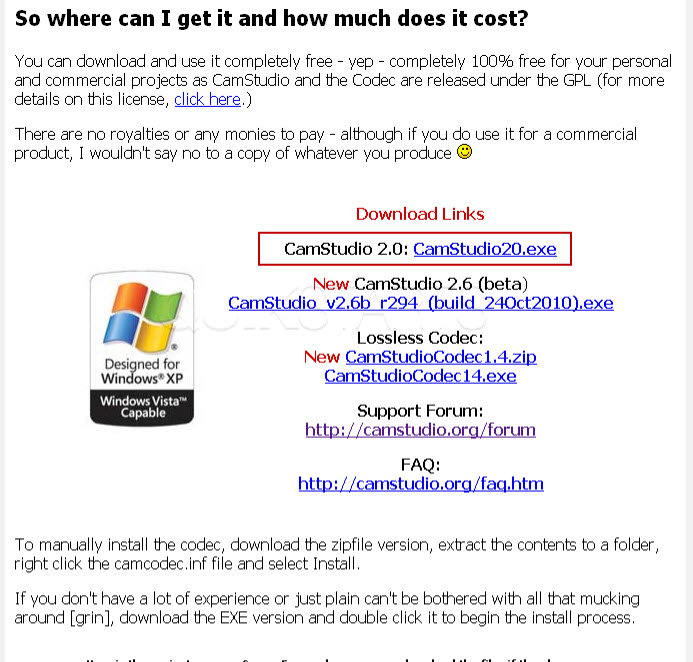
Scroll down to the middle of the page and click the first download link.
Note :
Version number may vary from the one in this image.
3
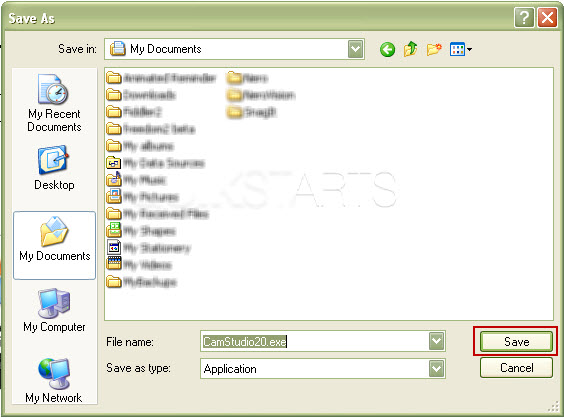
Select the location on your computer where you want to save the application and click the "Save" button.
4
This task should now be complete. If not, review and repeat the steps as needed. Submit any questions using the section at the bottom of this page.
comments powered by Disqus
 Ask a question or provide an answer