





This guide is part of the CamStudio series
1.
Download Camstudio screen recording software
2. Enable audio microphone recording in CamStudio
3. How to install CamStudio
4. How to use camStudio
2. Enable audio microphone recording in CamStudio
3. How to install CamStudio
4. How to use camStudio
Make: CamStudio
Model / Product: Cam Studio Streaming Video Software
Version: 2.0
Objective / Info: Learn to install CamStudio on a computer running Windows XP. A previous download of the application is a prerequisite before following this guide. Read here www.goo.gl/8LTMJ
Model / Product: Cam Studio Streaming Video Software
Version: 2.0
Objective / Info: Learn to install CamStudio on a computer running Windows XP. A previous download of the application is a prerequisite before following this guide. Read here www.goo.gl/8LTMJ
1
Locate the executable file for the program from the location on the computer where you saved it.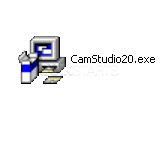
2
Agree to the terms by checking the box and click the "Next" button.
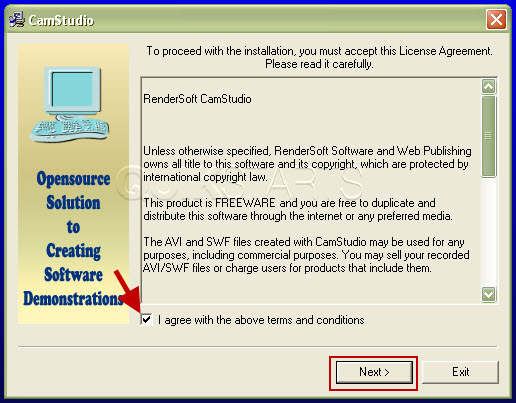
3
Click the "Start" button.
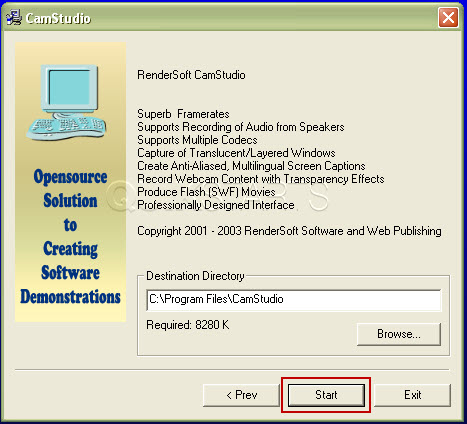
4
the application should begin to install on the computer. Progress should be seen during the installation.
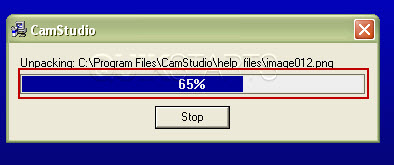
5
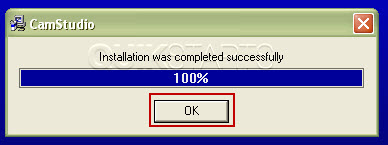
Click the "Ok" button once the installation completes.
6
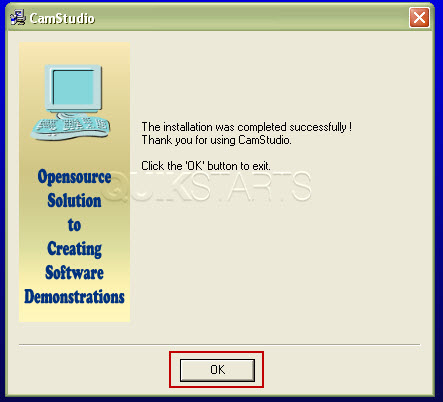
When the installation completes, click the "Ok" button.
7
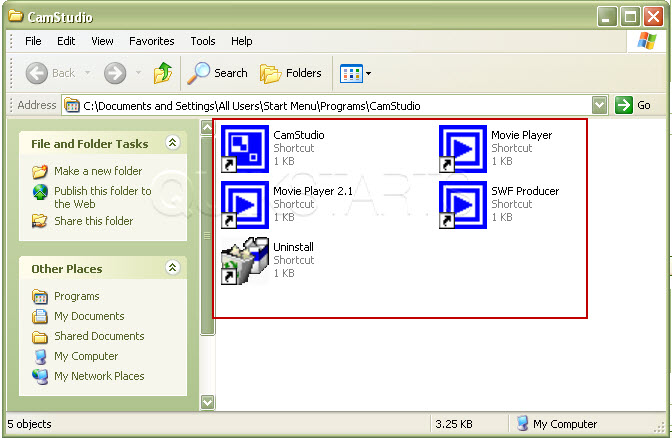
You may see a new window with several new shortcuts. Close the window.
Note :
A new shortcut should already be available on your desktop.
8
A new shortcut should already be available on your desktop.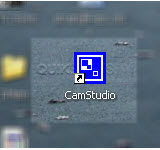
9
This task should now be complete. If not, review and repeat the steps as needed. Submit any questions using the section at the bottom of this page.
comments powered by Disqus
 Ask a question or provide an answer