






This guide is part of the Windows 7 series
1. Create a password for your windows 7 user account
2. Find your ip address from the windows 7 desktop
3. How to add a user account in windows 7
4. How to change a folders photo in windows 7
5. How to change screen resolution in Windows 7
6. How to find windows movie maker in windows 7
7. How to find your ip address in windows 7
8. How to find your Mac address on windows 7
9. How to recover data with windows 7 system restore
10. How to search for Excel files in Windows 7
2. Find your ip address from the windows 7 desktop
3. How to add a user account in windows 7
4. How to change a folders photo in windows 7
5. How to change screen resolution in Windows 7
6. How to find windows movie maker in windows 7
7. How to find your ip address in windows 7
8. How to find your Mac address on windows 7
9. How to recover data with windows 7 system restore
10. How to search for Excel files in Windows 7
Make: Microsoft
Model / Product: Windows
Version: 7
Objective / Info: Learn to create a password for your windows 7 user account.
Model / Product: Windows
Version: 7
Objective / Info: Learn to create a password for your windows 7 user account.
1
Click on the "Start" button.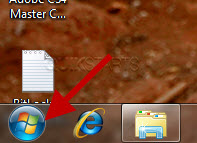
2
Click the "Control Panel" option.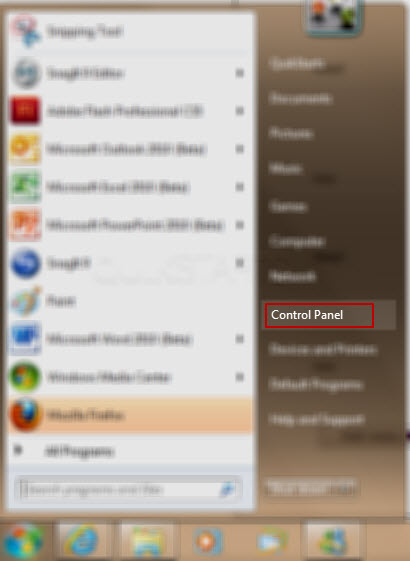
3
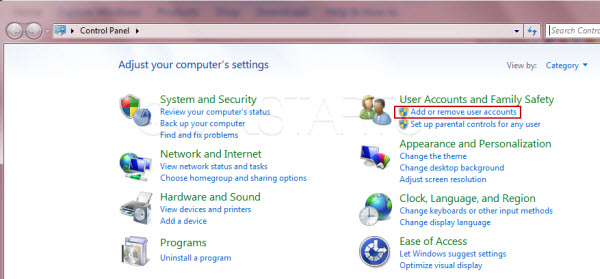
Click the "Add or remove user accounts" link.
4
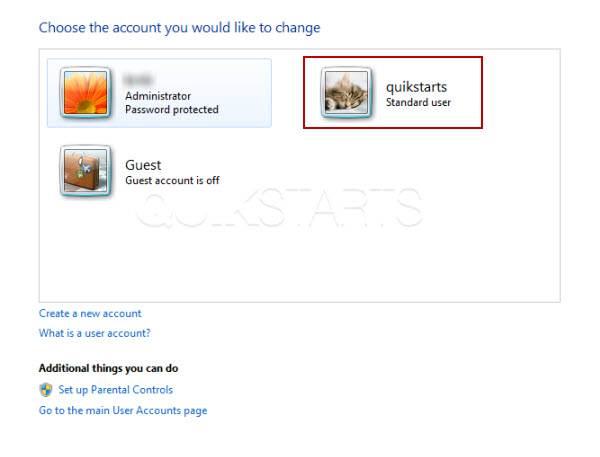
Click the account that you want to add the password for.
5
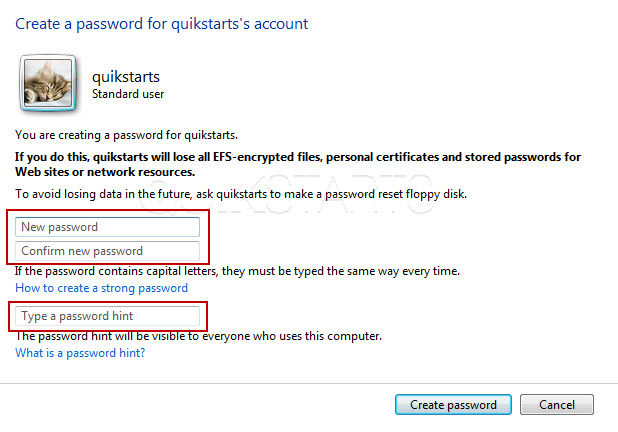
Enter your password twice in the correct fields. Enter a password hint in case your forget the password and need a reminder later. Click the "Create password" button.
6
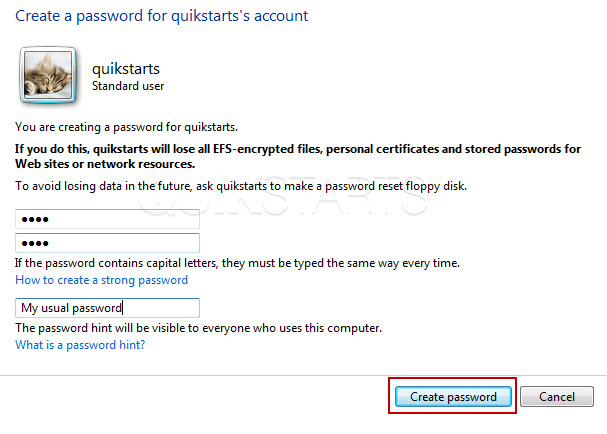
Click the "Create password" button.
7
This task should be complete. Review the steps if you had any issues and try again.Submit questions or request for more guides in the questions section below.
comments powered by Disqus
 Ask a question or provide an answer