






This guide is part of the Comcast series
1.
Adjust your settings with comcast PC caller id
2. Auto launch caller id when the computers starts
3. Have Comcast caller id play a sound during a call
4. How to activate a comcast DVR converter
5. How to activate my dvr manager for comcast
6. How to install Comcast caller id on a computer
7. How to opt out of the Comcast Public WiFi Hotspot
8. How to start comcast caller id on a computer
9. How to use Comcast caller id
10. How to use my dvr manager from comcast
2. Auto launch caller id when the computers starts
3. Have Comcast caller id play a sound during a call
4. How to activate a comcast DVR converter
5. How to activate my dvr manager for comcast
6. How to install Comcast caller id on a computer
7. How to opt out of the Comcast Public WiFi Hotspot
8. How to start comcast caller id on a computer
9. How to use Comcast caller id
10. How to use my dvr manager from comcast
Make: Comcast
Model / Product: Universal Caller Id
Version: Windows PC
Objective / Info: Download and install comcast caller id on to a computer running Windows XP.
Model / Product: Universal Caller Id
Version: Windows PC
Objective / Info: Download and install comcast caller id on to a computer running Windows XP.
1
This task should be completed. If not, repeat the steps and try again.2
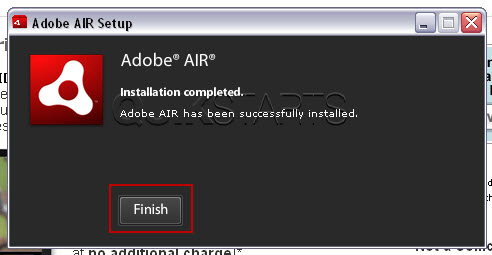
After the installation is complete, you should press the "Finish" button.
3
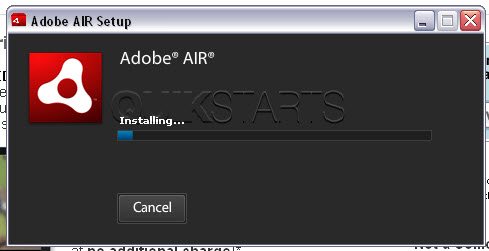
The install should continue.
4
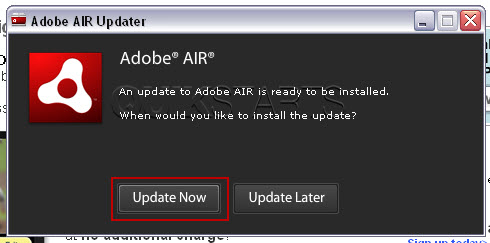
We were prompted to do an update during the installation process. If you are prompted, we recommend you click the Update Now button and perform the update.
5
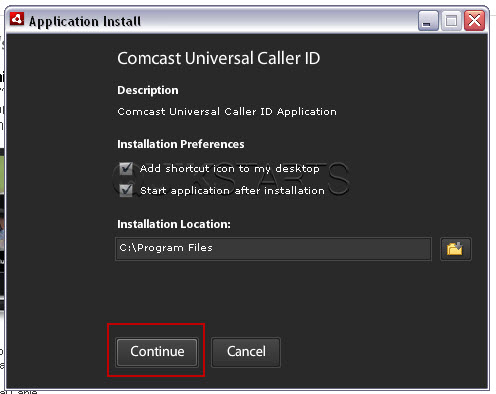
Click the "Install" button.
6
Click the "Install" button.

7
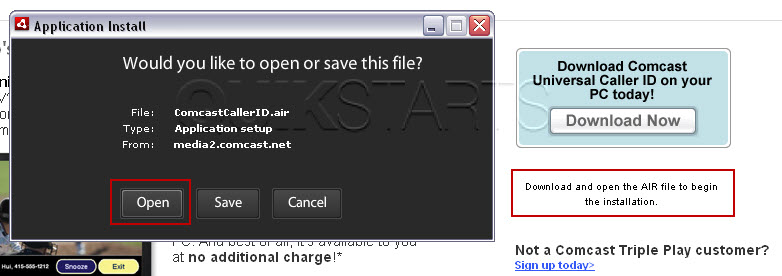
Click the "Open" button.
8
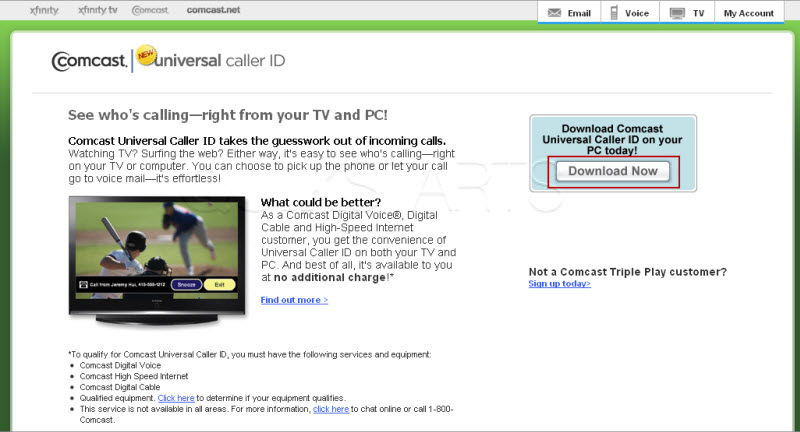
Click the download now button.
9
Visit http://www.comcast.net/callerid/ in your web browser.
comments powered by Disqus
 Ask a question or provide an answer