





This guide is part of the Gmail series
1.
Activate Gmail desktop notifications for Chrome
2. Drag and drop gmail attachments to your desktop
3. How to activate the priority inbox in gmail
4. How to add a link to an email using gmail
5. How to add an attachment in gmail
6. How to archive GMail
7. How to change your gmail theme
8. How to create folders in gmail
9. How to forward an email in GMail
10. How to print an email in GMail
2. Drag and drop gmail attachments to your desktop
3. How to activate the priority inbox in gmail
4. How to add a link to an email using gmail
5. How to add an attachment in gmail
6. How to archive GMail
7. How to change your gmail theme
8. How to create folders in gmail
9. How to forward an email in GMail
10. How to print an email in GMail
Make: Google
Model / Product: gmail notifier
Version: beta
Objective / Info: Learn to install and setup the gmail notifier desktop application on windows xp. See goo.gl for more information.
Model / Product: gmail notifier
Version: beta
Objective / Info: Learn to install and setup the gmail notifier desktop application on windows xp. See goo.gl for more information.
1
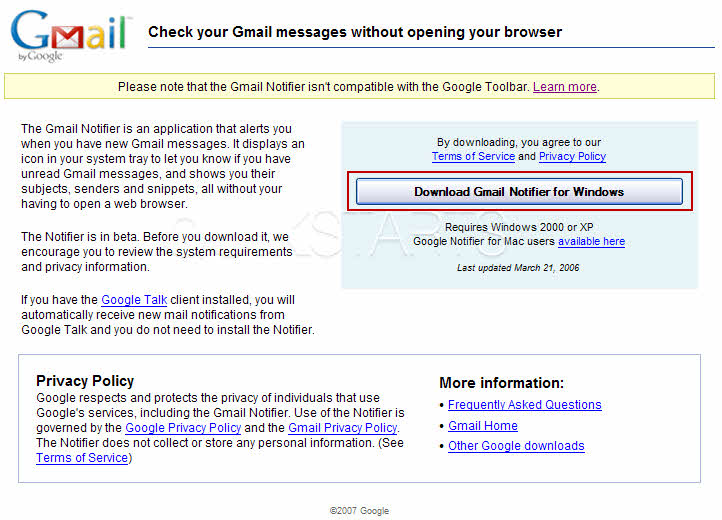
Open your web browser and visit, http://toolbar.google.com/gmail-helper/notifier_windows.html. Click the "Download the gmail notifier for Windows" button.
2
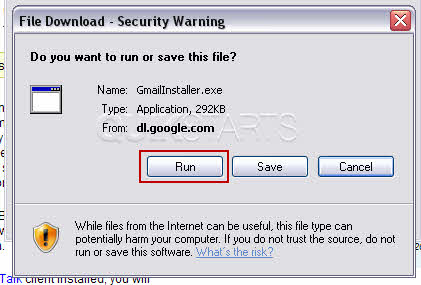
Click the "Run" button.
3
Click the "Run" button.

4
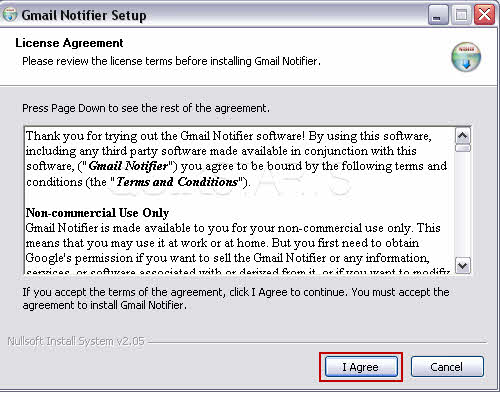
Reaad the agreement and click the "I Agree" button.
5
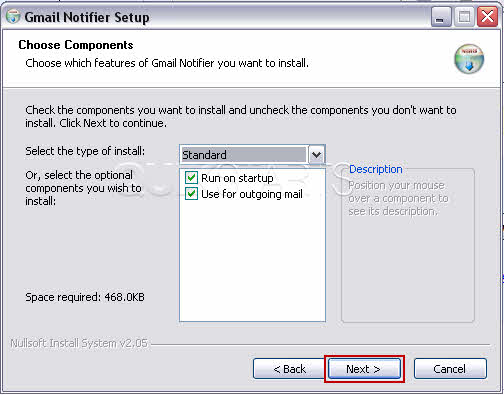
Click the "Next" button.
6
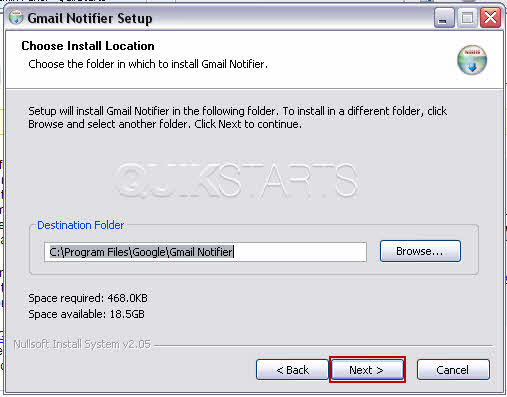
Click the "Next" button.
7
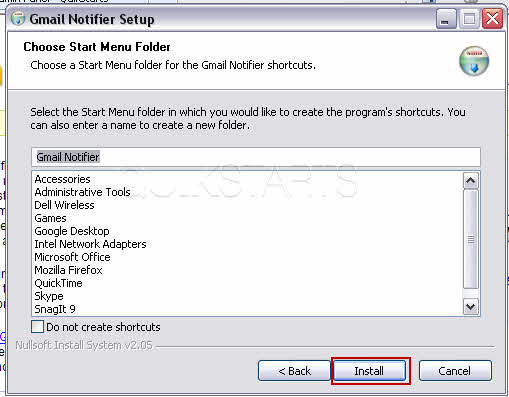
Click the "Install" button.
8
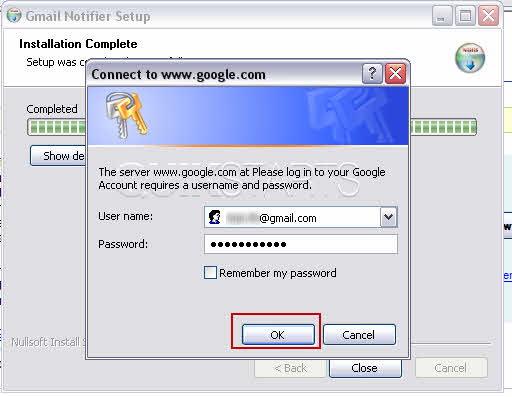
After the installation completes, you may get a pop up requesting your misname and password. Enter your gmail username and password and click OK.
9
Should you see this window, click the "Close" button
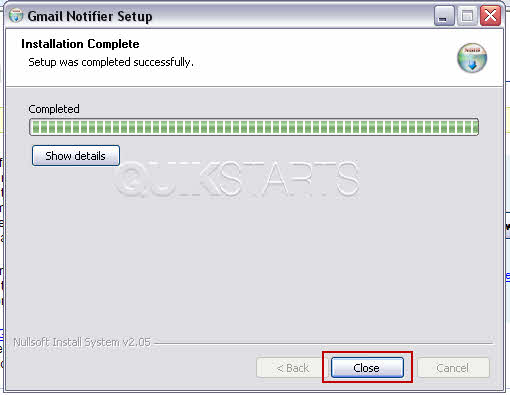
10
Your installation should be complete. You should now see the gmail notifier icon in the system tray.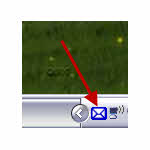
11
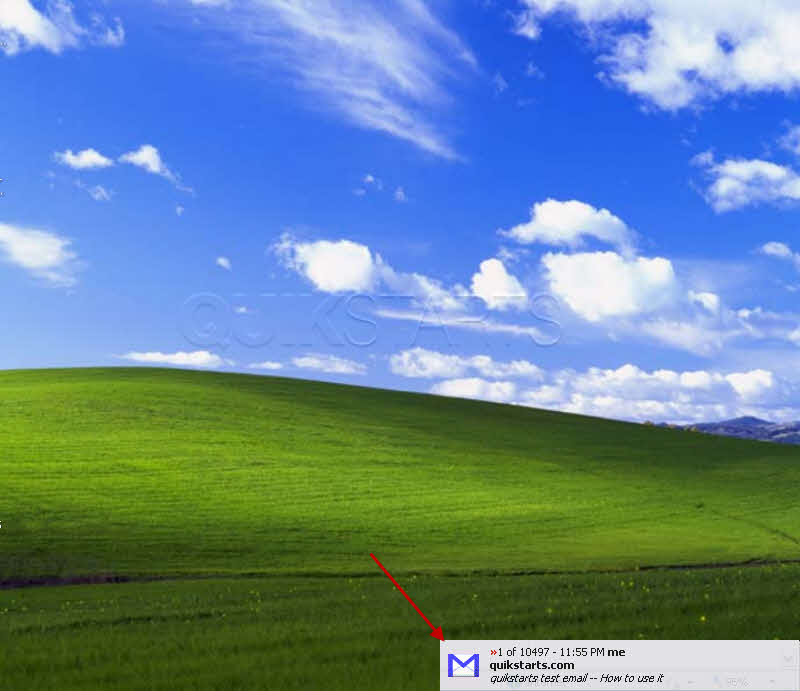
When a new message is received, you should see a notification of such.

comments powered by Disqus
 Ask a question or provide an answer